
Writing
See allI write about product development, leadership, technology and the tools and practices that help teams work better.

Deceptive patterns, formerly known as dark patterns
Why deceptive patterns work, six examples from real sites and four tips to avoid misleading your users.

Product discovery now that AI is useful
Main points from my Bart.js meetup talk on product discovery, the four risks, small bets, opportunity solution trees, measurements, and what AI changes.

Two ways to make Opus 5 concise
Opus 5 answers every question with a word salad. I used to fix it with a custom ASD-STE100 output style, now Claude Code has a built-in Concise mode.

When your app name looks like a bot
Umami's bot filter dropped every BookScanner analytics event because the app name contains "scan". I found the cause and fixed it in umami-swift 1.7.0.
Apps
See allI make focused apps for Apple platforms that solve practical problems and are pleasant to use.
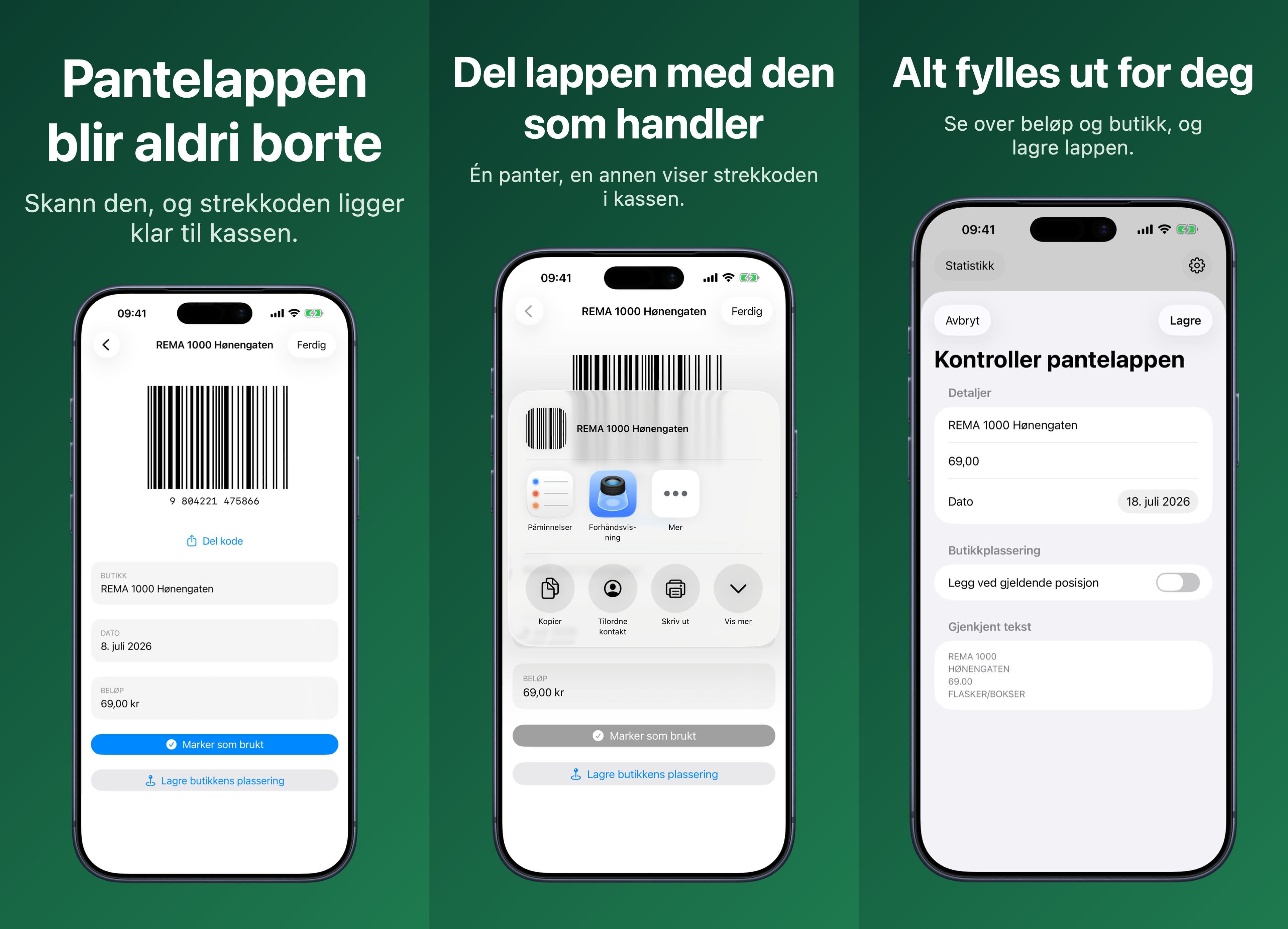

Pantelapp - hold orden på pant
Skann, lagre og bruk i kassen
A Norwegian app that keeps bottle deposit slips safe on your phone. Scan a slip and the barcode, amount, and store are read for you, ready to show at checkout, add to Apple Wallet, or share with whoever is doing the shopping.

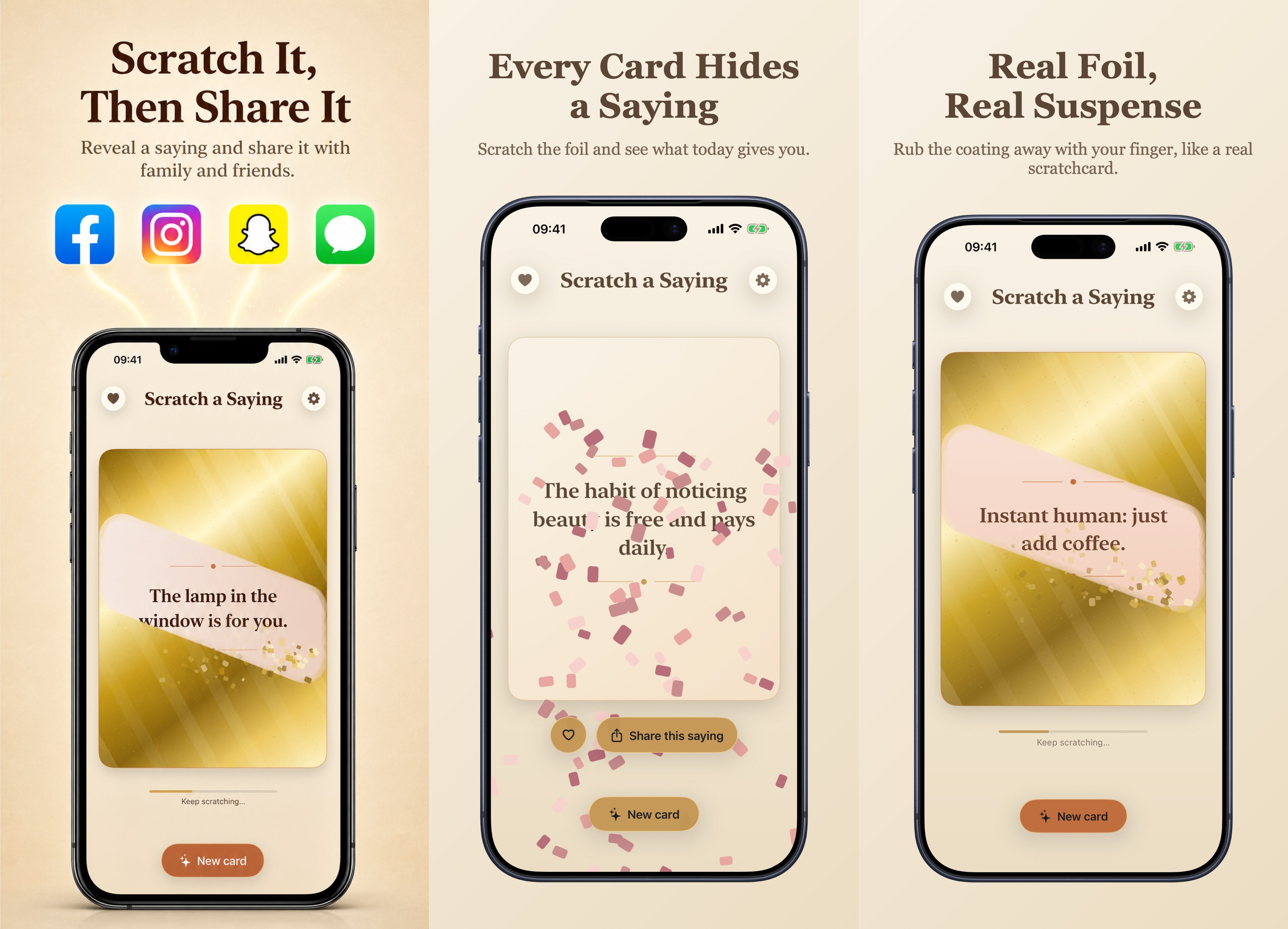

Scratch a Saying
Encouraging words to share
A digital scratch card with a saying under the foil. Save the ones you like or send them to a friend as picture cards, with more than 2,400 English sayings to choose from.
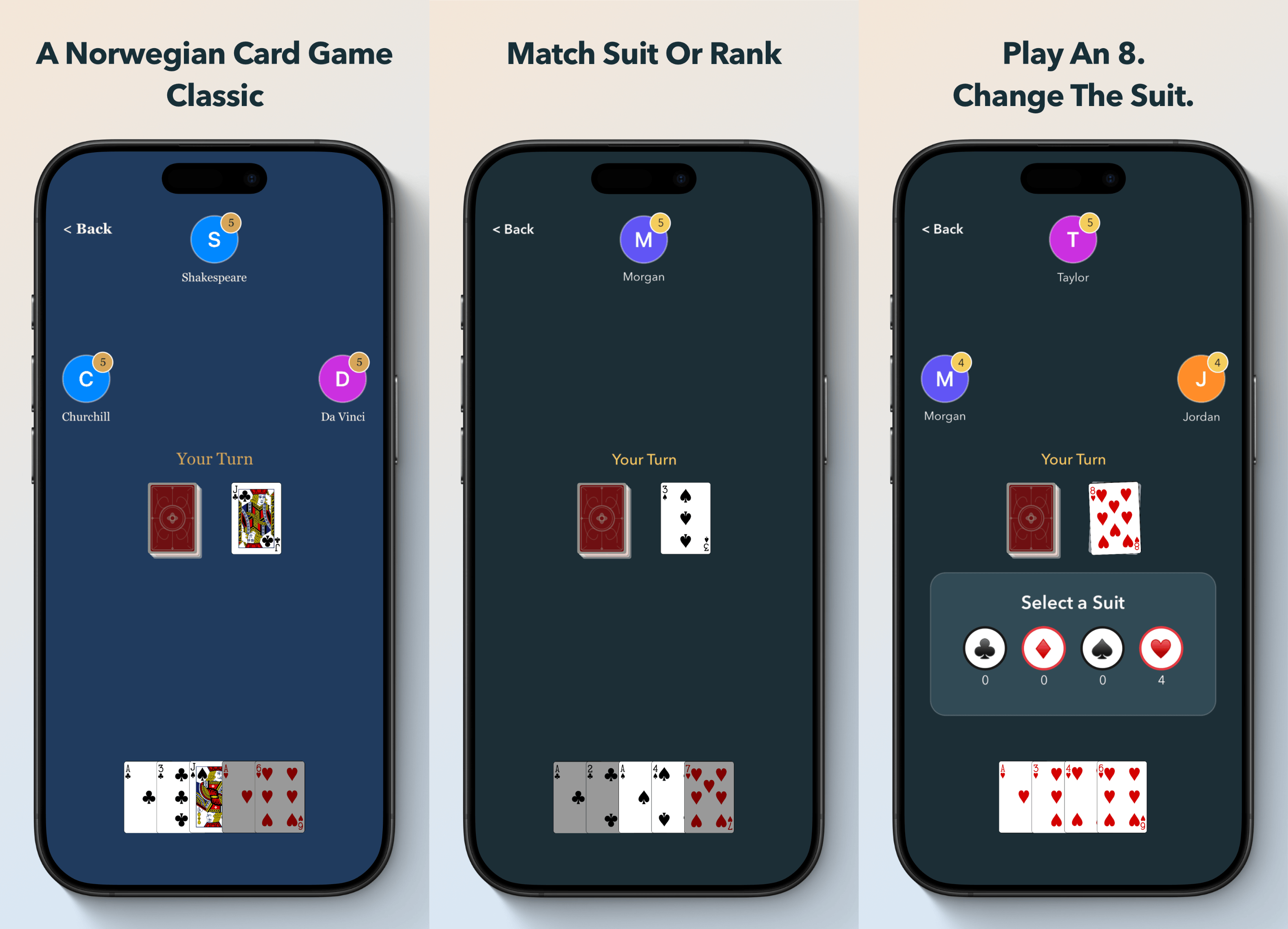

Olsen - Crazy Eights Card Game
Cozy Norwegian offline classic
A Norwegian card game in the crazy eights family, with AI opponents that have real personality. Play with one hand, no wifi needed. The same game on every screen.
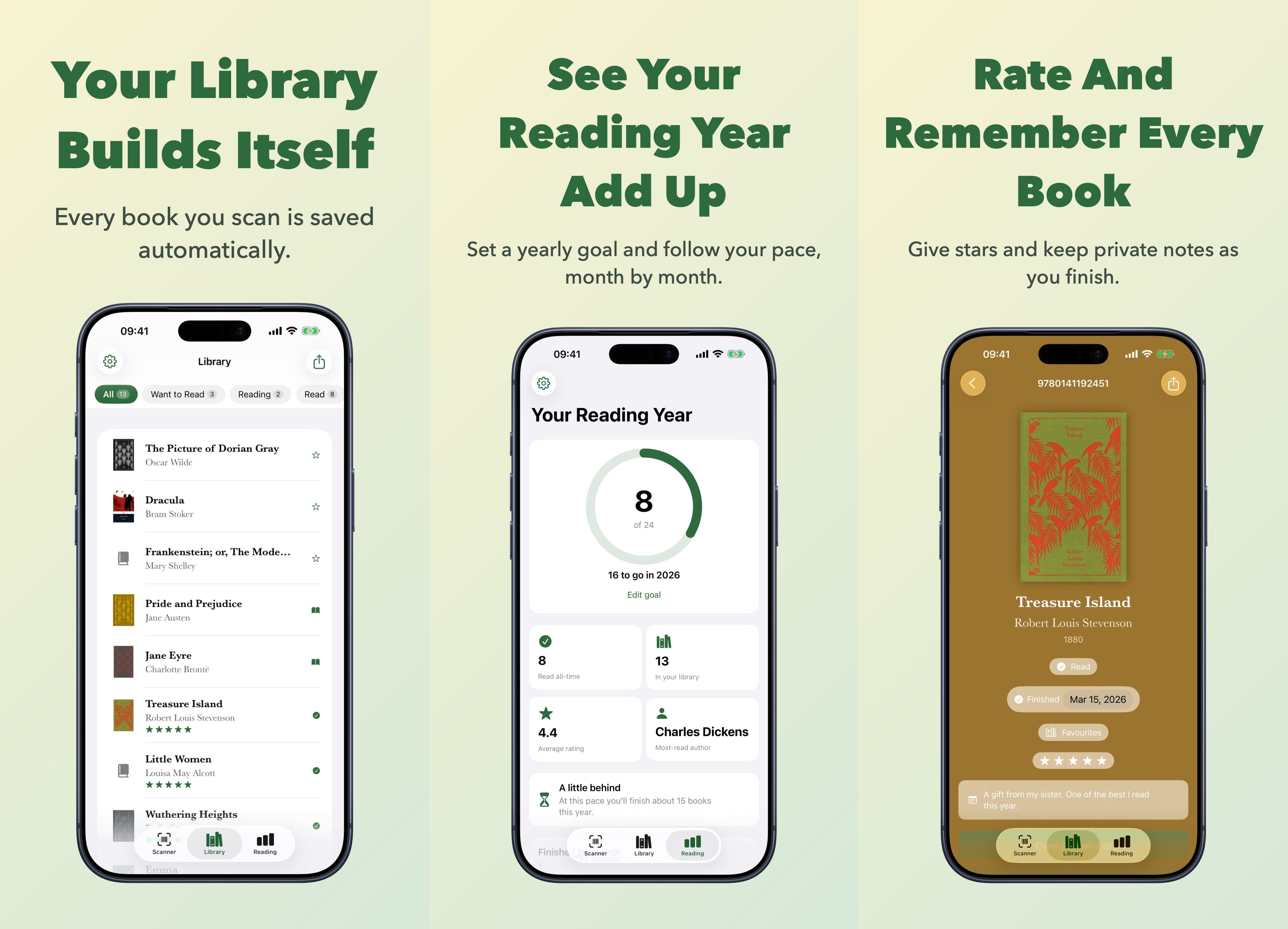

ISBN Book Scanner & Library
Catalog shelves, track reading
Scan a book's barcode and it lands in your library. Shelf Check catches the books you already own before you buy them twice, and everything exports to Goodreads.
Sites
See allI create sites I find useful, using each one as a chance to play with web technology and learn something new.

Norske barneleker →
A Norwegian activity bank for children aged 2 to 12, with step-by-step games and activities filterable by age, place, time and equipment, for parents, kindergartens and after-school clubs. Built with Astro.

Norske kortspill →
A Norwegian catalogue of known and lesser-known card games. Read the rules, and play the best ones right in the browser or with a companion app. Built with Svelte.

Norske terningspill →
A Norwegian catalogue of dice games with simple, clear rules for games you can play with ordinary six-sided dice, filterable by players, length and age. Built with SvelteKit.

Norske eventyr →
A digital collection of classic Norwegian folk tales by Asbjørnsen and Moe, organised in thematic collections and presented with inspiration from traditional folk art. Built with SvelteKit.
Speaking
See allI speak and run courses on product development, leadership, team collaboration and using AI well, for organizations and teams.
Nei takk, jeg vil ikke spare penger
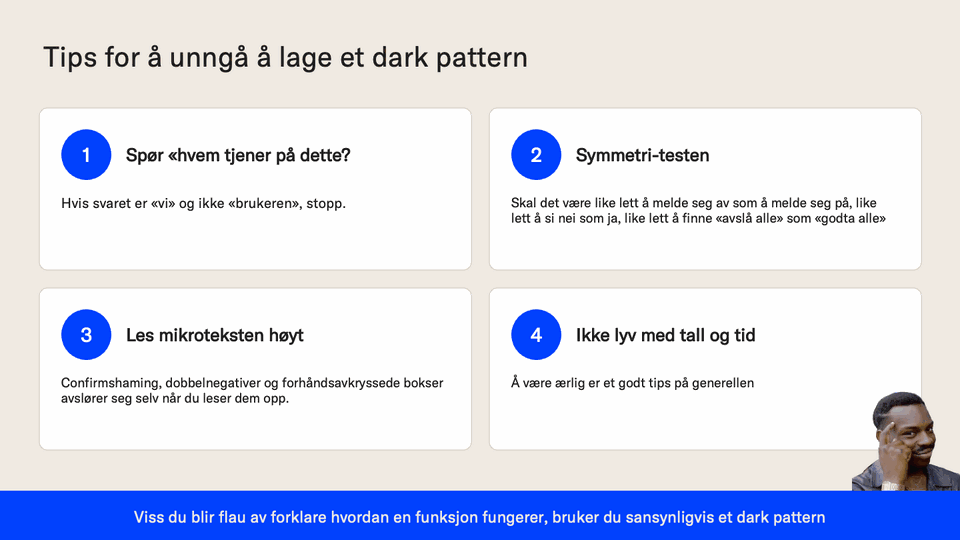
Talk for Ping 2026 about dark patterns, the design choices that make it cheap to say yes and expensive to say no. It goes through six patterns from Norwegian and international sites, from confirmshaming to drip pricing and fake scarcity, why each one works on the brain, what the DSA and GDPR say about them, and how a dark pattern gets born out of an A/B test and a quarterly target without anyone in the room doing anything wrong.
Produktutforskning nå som AI er nyttig
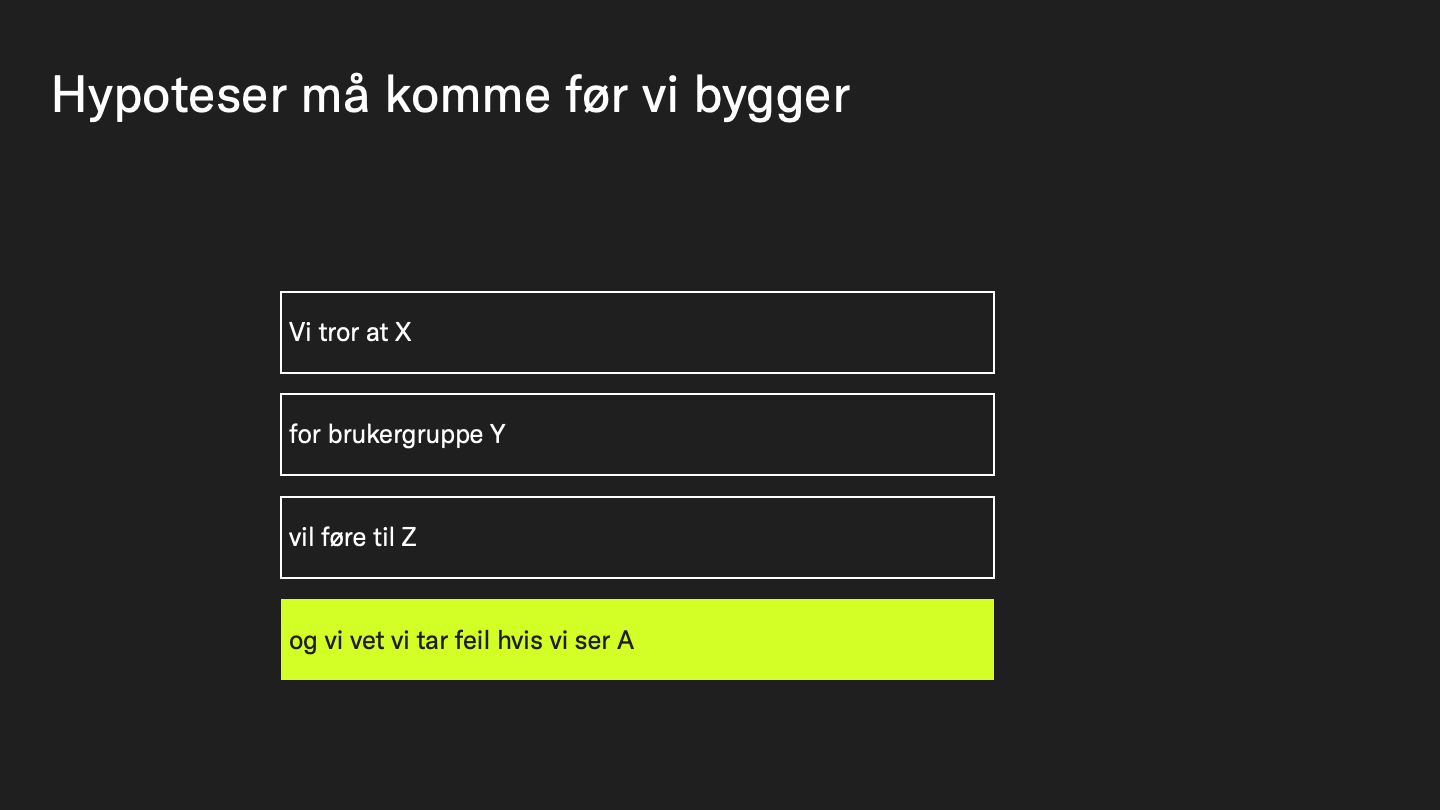
Talk for the Bart.js meetup in Trondheim about product discovery and what AI does to it. It covers why the wrong product gets built (the four risks, and teams that add features but never remove them), how opportunity solution trees, measurements and prototyping worked at three customers, and what changes now that prototypes are back and building is easy: the temptation to build too much instead of chasing the value.
AI anno august 2026
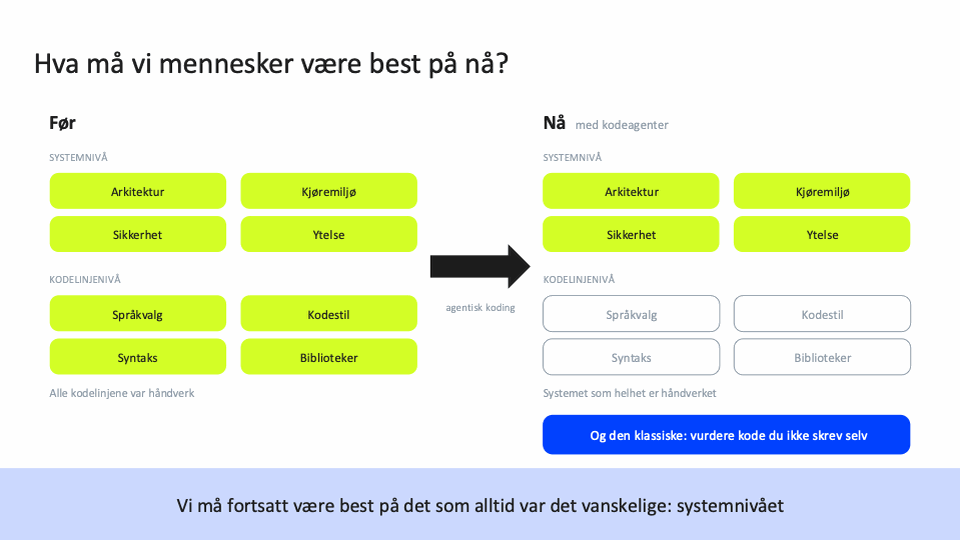
Talk for NGU about generative AI after three years of daily use, from how a language model actually works to agents that write and test real code. It covers the three-step process my team uses for the hard tasks, the lessons that took longest to learn (tokens, model choice and context), and what people have to be best at now that agents write the lines: the system as a whole.
Produktutforskning nå som AI er nyttig
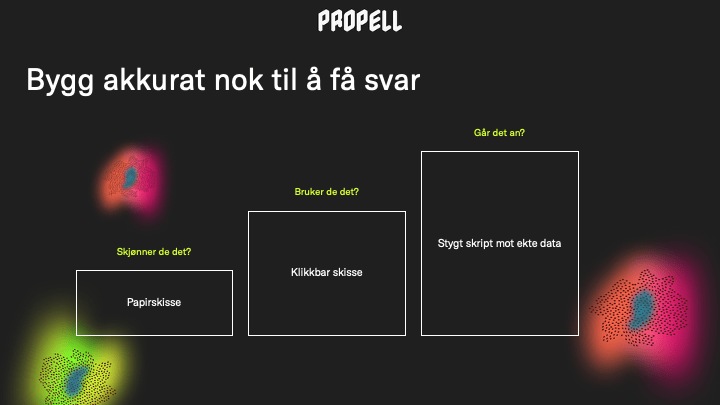
Talk about product discovery now that AI has become genuinely useful, drawing on two real projects: a finance system at HENT and map tools at NGU. It shows how to validate hypotheses faster and get from idea to something testable quickly, using rough prototypes and small experiments against real data, so teams discuss less and decide based on something concrete.